
Your mail is stored on your Mac.
With an AI of your own, MailGraph sends its questions straight from your Mac to that AI. With MailGraph AI they pass through our server, which keeps none of them. Either way you can see every question it asked.
It runs on your Mac.
Your mail is stored on your Mac, as in any mail app. We have no copy of it.
The app talks to your mail provider and to the AI you connect. Besides those it asks for three small things: a company’s logo, from the sender’s own website; the pictures in an email, from the sender’s own server, when you open it, as in most mail apps; and the number of the newest version. Passwords are kept in the Mac’s Keychain, not in a file.
With an AI of your own there is no MailGraph server in between. With MailGraph AI there is: see below. A MailGraph account, which MailGraph AI and the iPhone app need, holds no mail.
Closing the window leaves MailGraph running, so mail keeps arriving. The menu bar icon or the Dock brings the window back.
The AI is yours to choose.
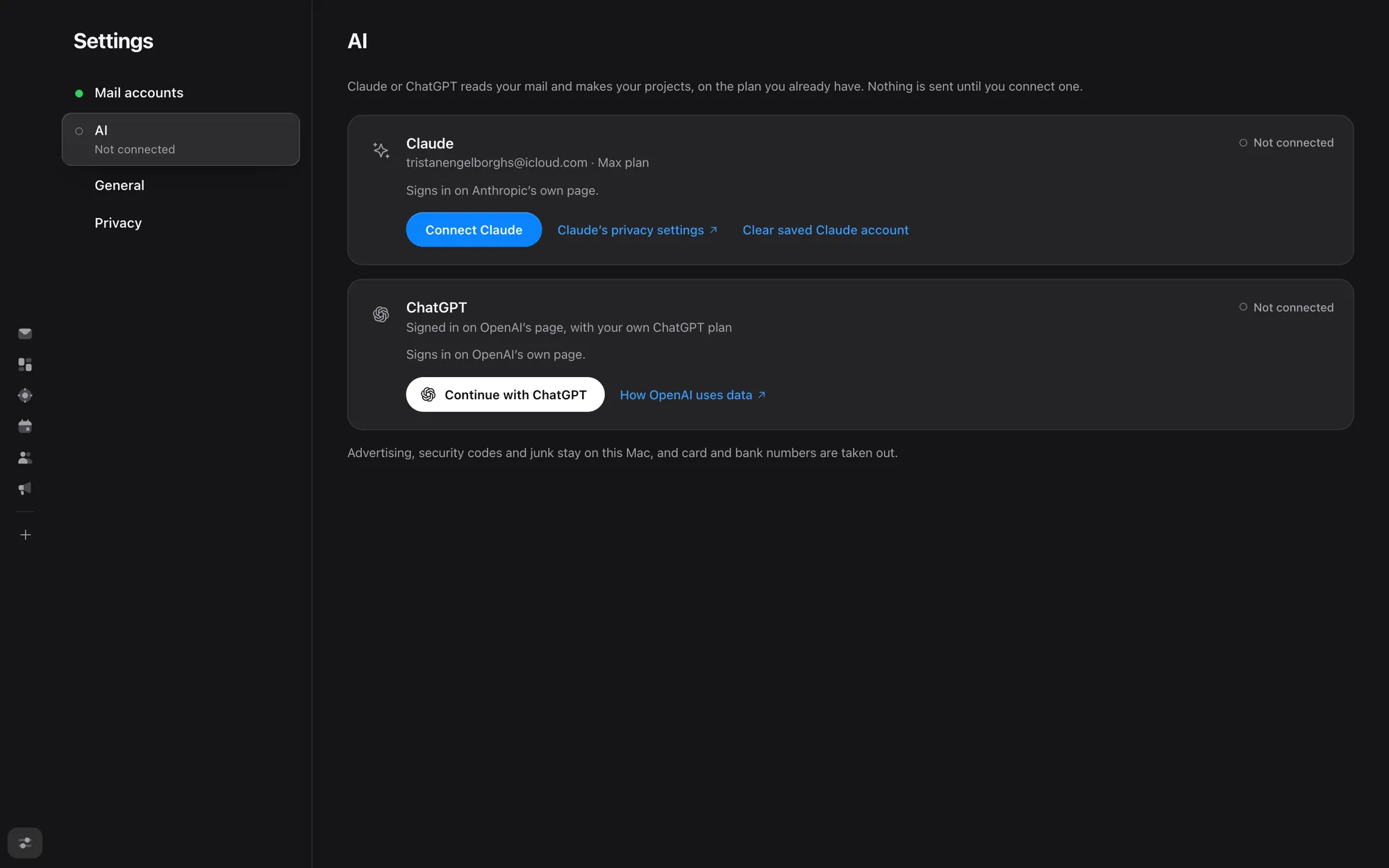
Your own Claude or ChatGPT plan, or MailGraph AI. One at a time. Without an AI there are no projects.
An AI of your own. Claude runs through Claude Code on your Mac, ChatGPT through OpenAI’s own sign-in, on the plan you already pay for. You can also use credit on your own OpenRouter account, or a model that runs on your Mac, where nothing leaves it. A question goes from your Mac to that AI, under your own agreement with it. There is no API key to find, no MailGraph account to make and no bill from us.
MailGraph AI. For people without a plan of their own: a MailGraph account and a monthly plan, see Pricing. The text of each question goes through our server to Anthropic in the United States, whose Claude answers. Our server keeps none of it, not the question and not the answer, only how much you have spent. The privacy notice says it in full.
What is sent. Only what a question needs: the text of the emails or files it is about. The text of advertising, security codes and junk is never sent. At most the sender and subject of an advertising mail are looked at, to find real mail, such as a job application, that was filed there. Card and bank numbers are taken out first. A sender or a project you excluded is left out. This is the same for every AI.
What it spends. With your own plan, your plan, not ours; with MailGraph AI, its monthly allowance. So that it cannot use all of it, questions are limited: the same question at most five times a day, and at most 180 questions an hour and 1,000 a day, with some of those kept for what you press for. A question from the interface is asked only at a press, never while you type.
It only keeps what the mail says.
A wrong time on an itinerary is worse than none.
A fact, a day or a link between an email and a project is kept only with words that are really in that email or file. When Claude cannot tell something from the mail, it says it is unknown. It does not fill it in.
Scanned files have no text yet, so they are not read.
Nothing without your press.
MailGraph reads, sorts and proposes. Sending, moving, deleting and changing are yours.
Nothing is sent, moved or deleted until you press, and MailGraph never removes a calendar event. A day found in your mail goes into the calendar only when you press. One thing happens by itself: opening an email marks it read in your mailbox, as in any mail app.
You choose, and you can look it up.
Each mail account has its own switch for whether the AI reads it. Every question that was sent is listed in Settings, with which emails it was about.
A sample library of made-up mail.
What this website does
It sets no cookies, runs no analytics and loads nothing from other sites.